

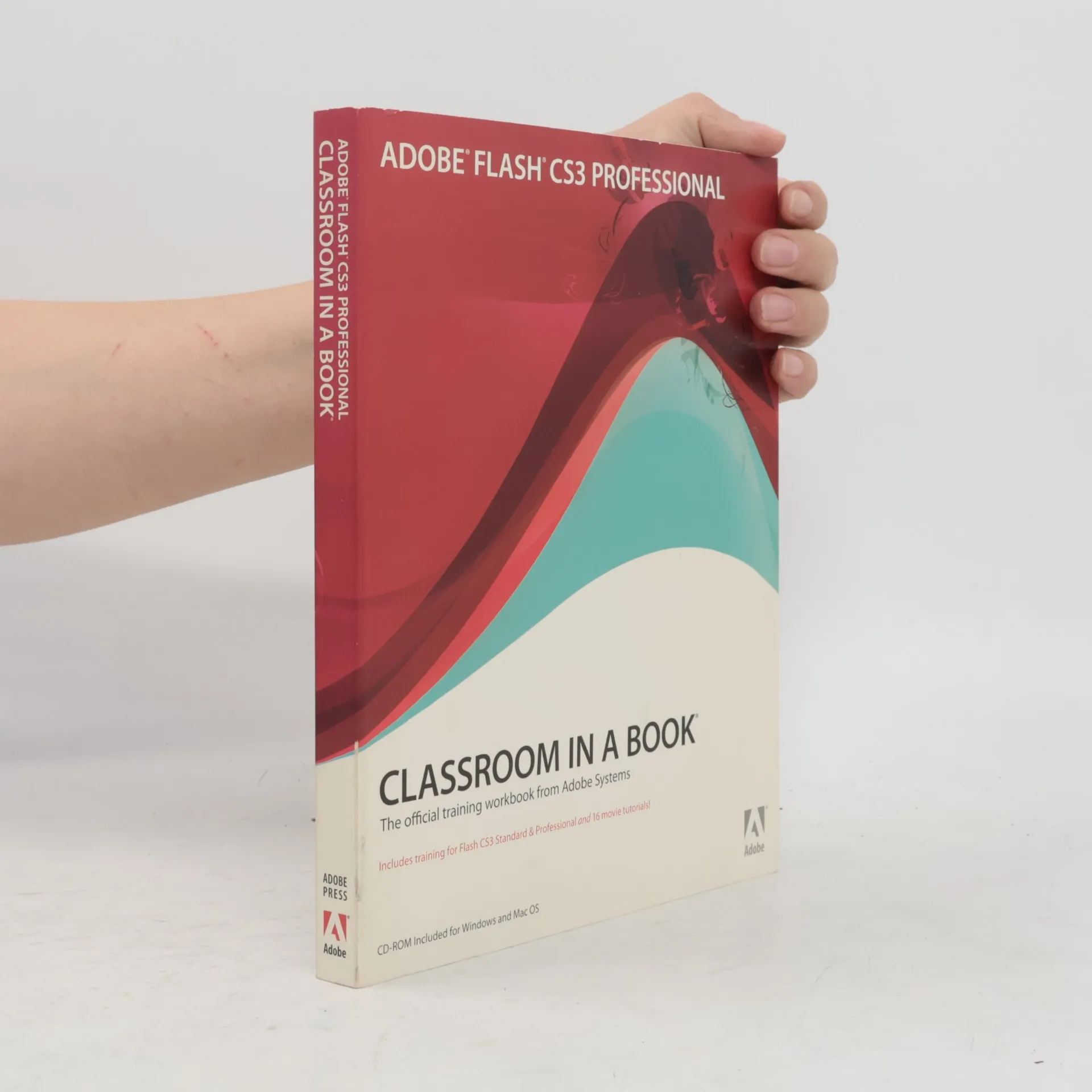
Adobe Flash CS3 Professional Classroom in a Book
The Official Training Workbook from Adobe Systems
Authors
More about the book
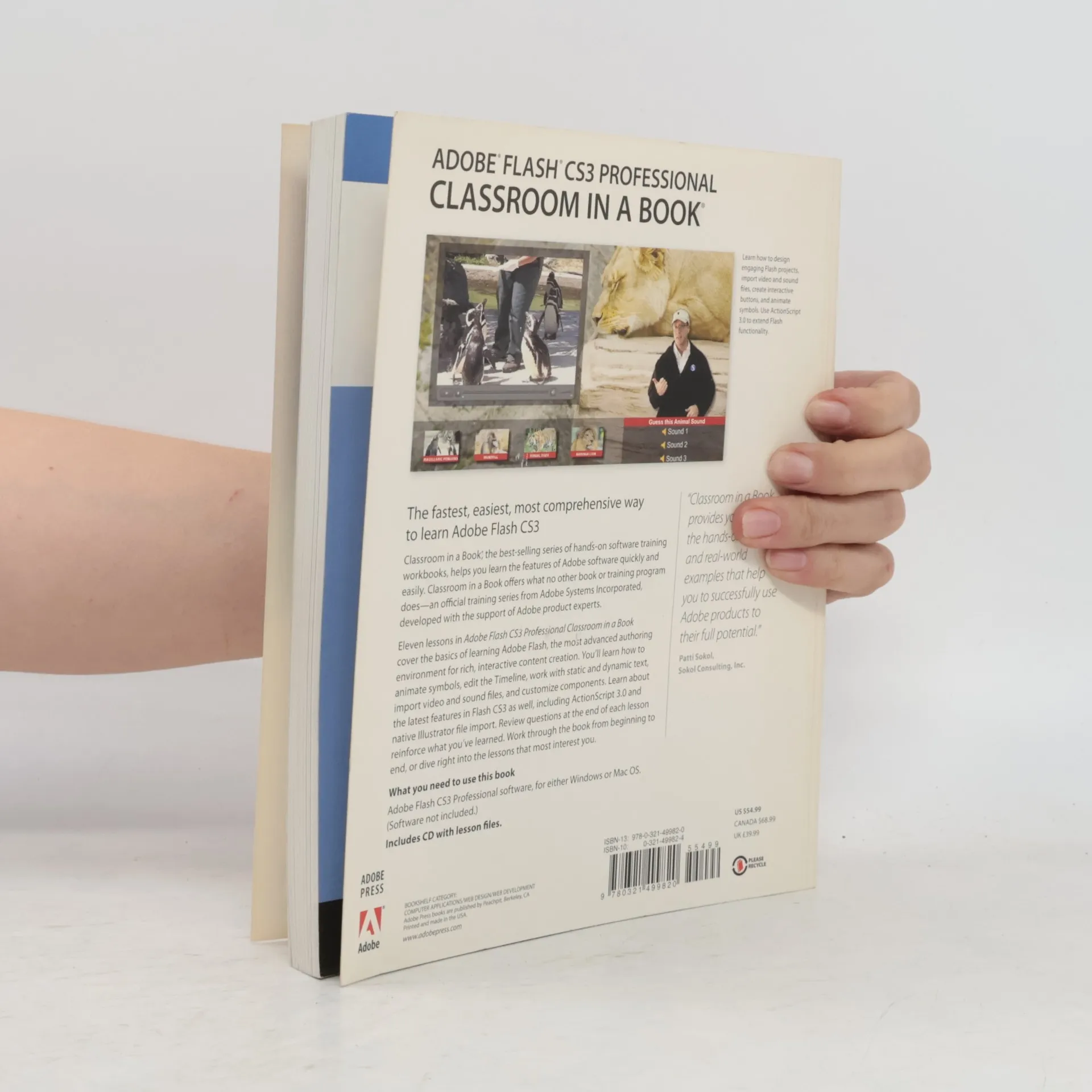
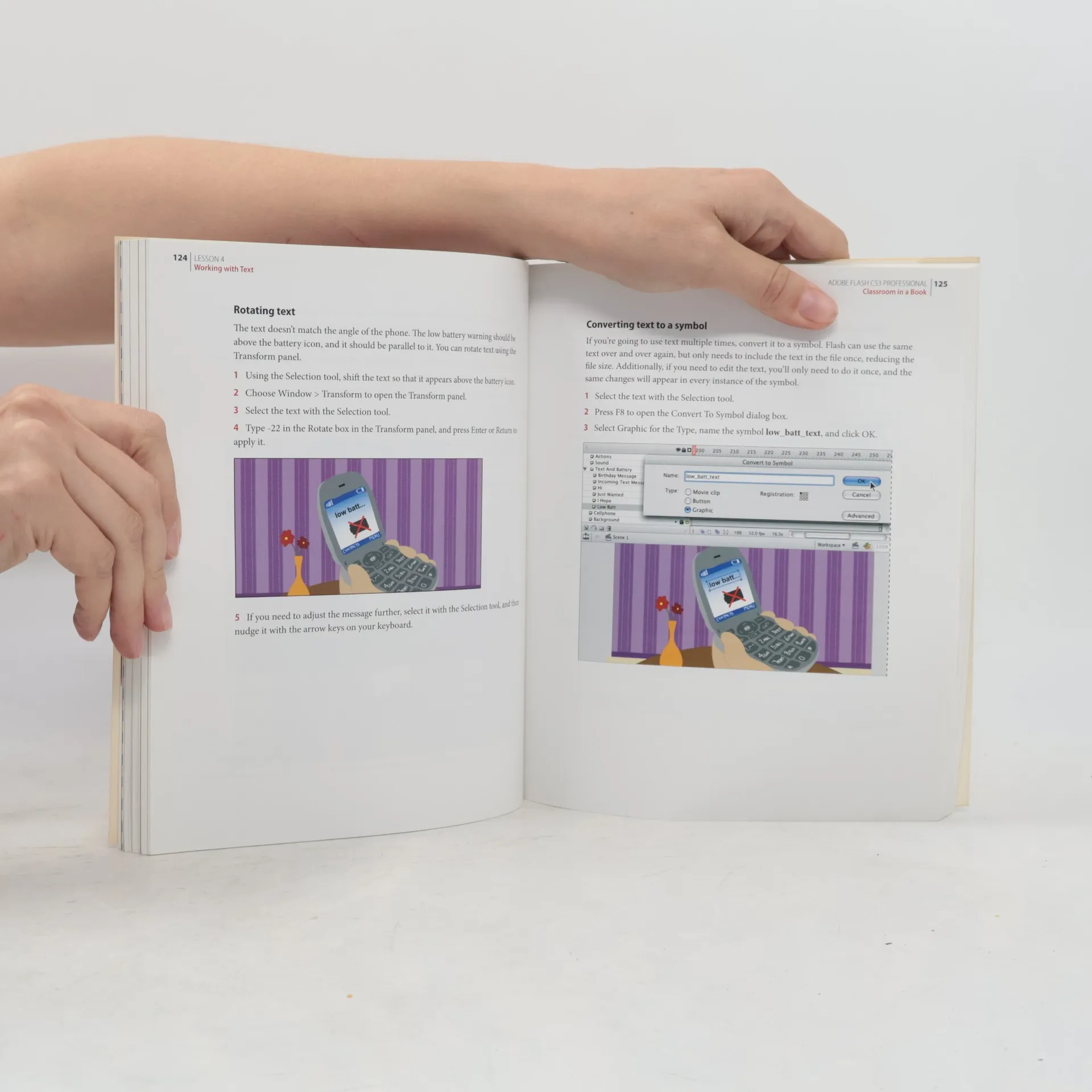
This project-based guide from Adobe will teach readers all they need to know to create engaging interactive content with Flash CS3. Using step-by-step instructions with projects that build on the knowledge learned in each lesson, readers will learn the key elements of the Flash interface, including panels, timelines, and frames. From there, readers will learn how to work with vector and bitmap graphics; create and edit symbols; modify text and add interactivity with ActionScript 3.0; and incorporate animation, music, and sound to their projects. They'll also learn how to prepare and export their finished projects for Web and broadcast. Of course, readers will also learn how to take advantage of the new features of Flash CS3--the streamlined user interface, native support for Photoshop and Illustrator files, revamped drawing tools, new video encoding features, code editing enhancements, and much more. The companion CD provides users with all the sample files they need to complete all of the projects.
Book purchase
Adobe Flash CS3 Professional Classroom in a Book, Brie Gyncild
- Language

- Released
- 2007
- Binding
- (Paperback),
- Book condition
- Good
- Price
- €3.29
Payment methods
No one has rated yet.
- Title
- Adobe Flash CS3 Professional Classroom in a Book
- Subtitle
- The Official Training Workbook from Adobe Systems
- Language
- English
- Authors
- Brie Gyncild
- Publisher
- Adobe Pr
- Released
- 2007
- Format
- Paperback
- Pages
- 352
- ISBN10
- 0321499824
- ISBN13
- 9780321499820
- Series
- Tags
- USA, Internet, Web Development, Flash
- Description
- This project-based guide from Adobe will teach readers all they need to know to create engaging interactive content with Flash CS3. Using step-by-step instructions with projects that build on the knowledge learned in each lesson, readers will learn the key elements of the Flash interface, including panels, timelines, and frames. From there, readers will learn how to work with vector and bitmap graphics; create and edit symbols; modify text and add interactivity with ActionScript 3.0; and incorporate animation, music, and sound to their projects. They'll also learn how to prepare and export their finished projects for Web and broadcast. Of course, readers will also learn how to take advantage of the new features of Flash CS3--the streamlined user interface, native support for Photoshop and Illustrator files, revamped drawing tools, new video encoding features, code editing enhancements, and much more. The companion CD provides users with all the sample files they need to complete all of the projects.