Take full advantage of your iPad by learning to browse the web, keep up with social media, FaceTime chat with your grandkids, challenge your brain with games and iBooks, set up your iCloud, share photos with friends, and so much more!
If you're the proud owner of a Fire tablet, this guide helps you make the most
of its capabilities. Muir will be with you as you take the Fire tablet out of
the box, find out how to use the touchscreen and settings, buy and play music
and movies, and get connected with social networking sites and your email
account.
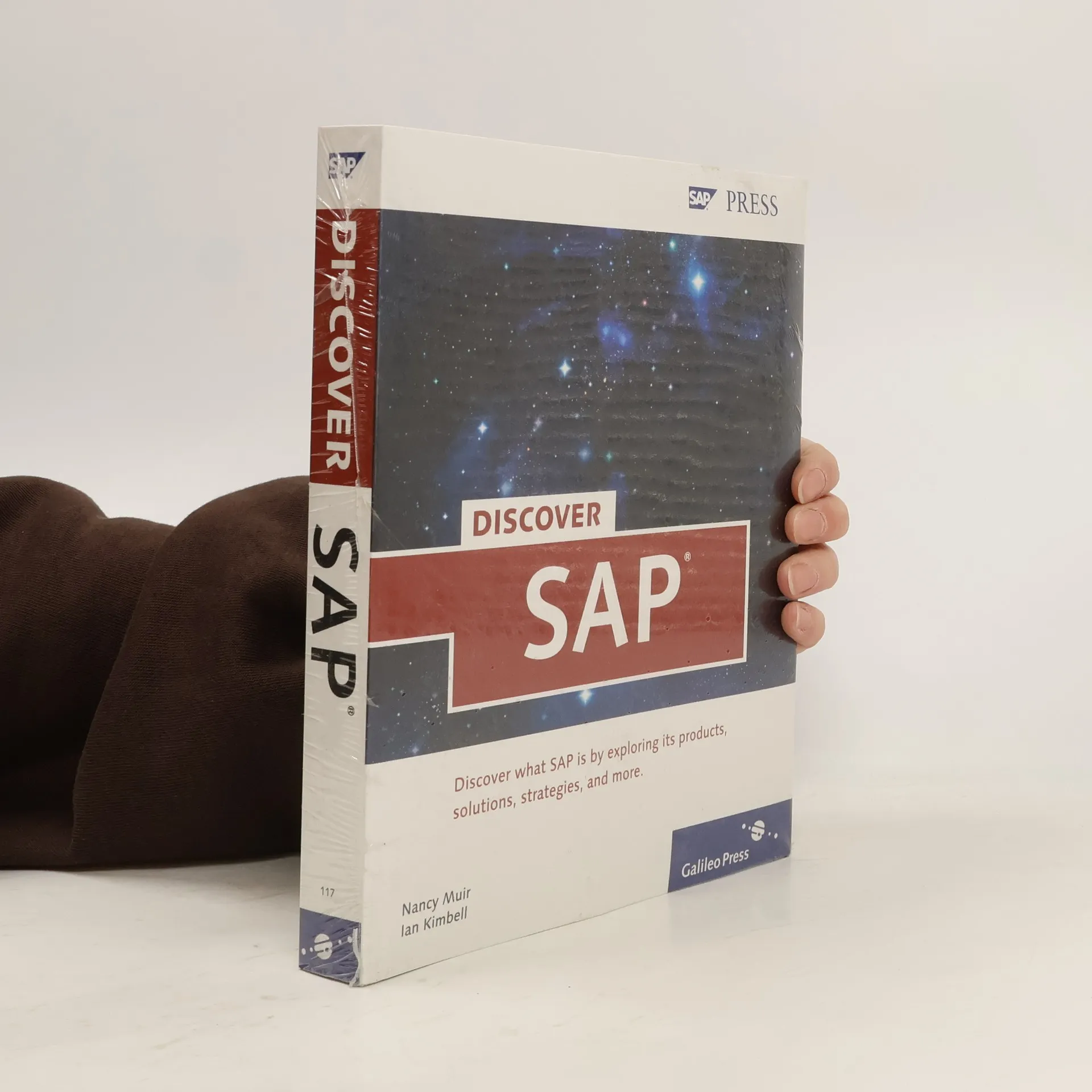
Discover What SAP Is By Exploring Its Products, Solutions, Strategies, And More
426 pages
15 hours of reading
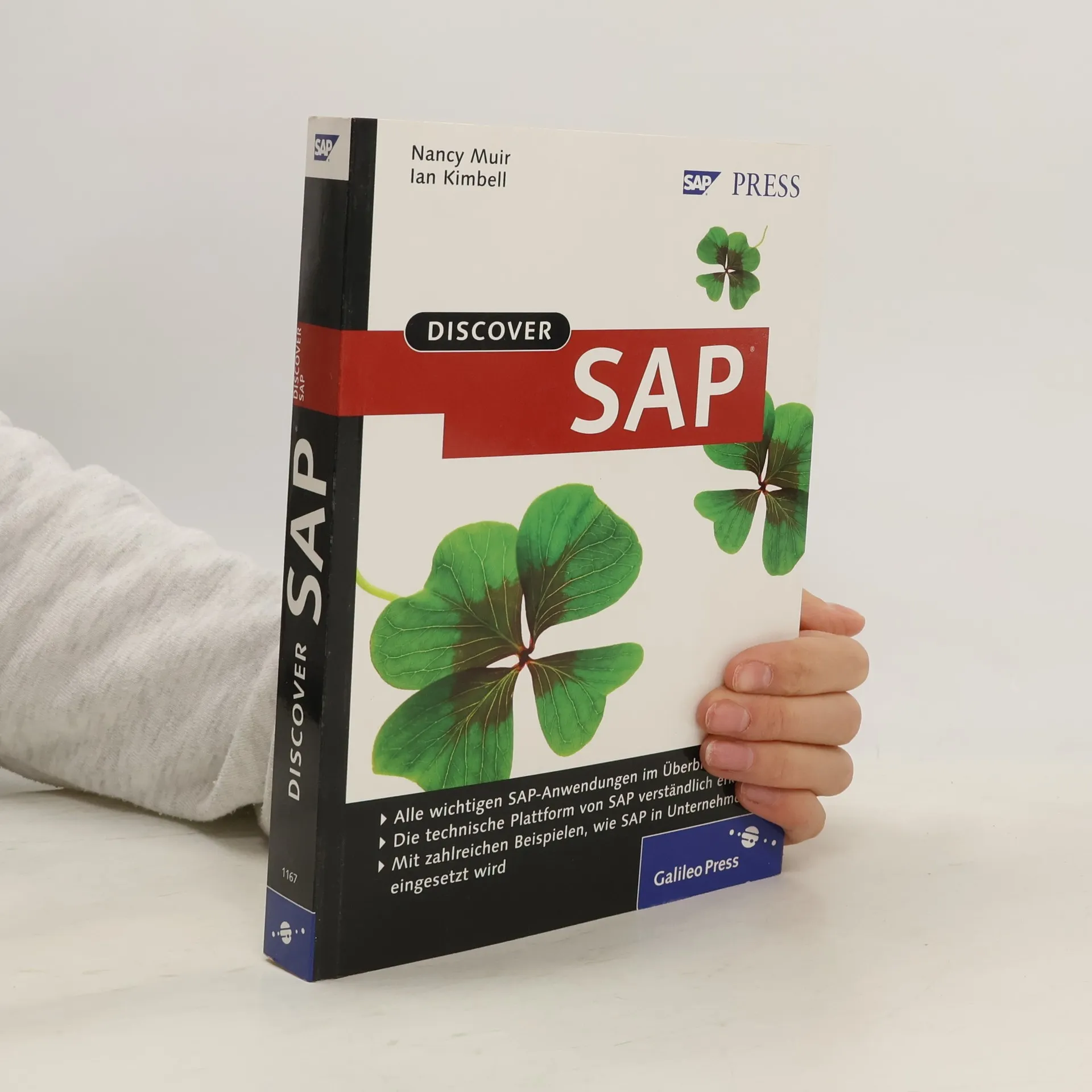
Are you new to SAP and want to learn more about it? Are you a decision-maker, consultant, or manager, who needs to gain a holistic understanding of SAP? If so, this book is for you. This practical, reader-friendly guide for busy professionals provides insight into SAP's history, vision, and strategies. You'll learn about the key areas of SAP, including Financials, CRM, SAP NetWeaver, enterprise SOA, Business Intelligence, and more.Discover the Overall SAP LandscapeGain a solid understanding about SAP the company and its suite of products by exploring the company history and future plans.Explore Core SAP ApplicationsLearn how to benefit from SAP products, including Financials, CRM, HCM, SCM, SRM, Analytics, and the Small to Midsize Business offerings (SAP Business One, SAP Business All-in-One, and SAP Business By Design).Understand the SAP Technology PlatformExplore the details of SAP's Enterprise Service-Oriented Architecture (Enterprise SOA) approach, and the technology that enables it SAP NetWeaver.Learn How SAP Works in the Real WorldCase studies show you how SAP products and solutions are used in real-world companies, and notes and tips demystify the features of SAP's products.Navigate Topics as You LikeRead the book by chapter or from start to finish, and take advantage of the useful glossary, SAP roadmaps, and Web resources.
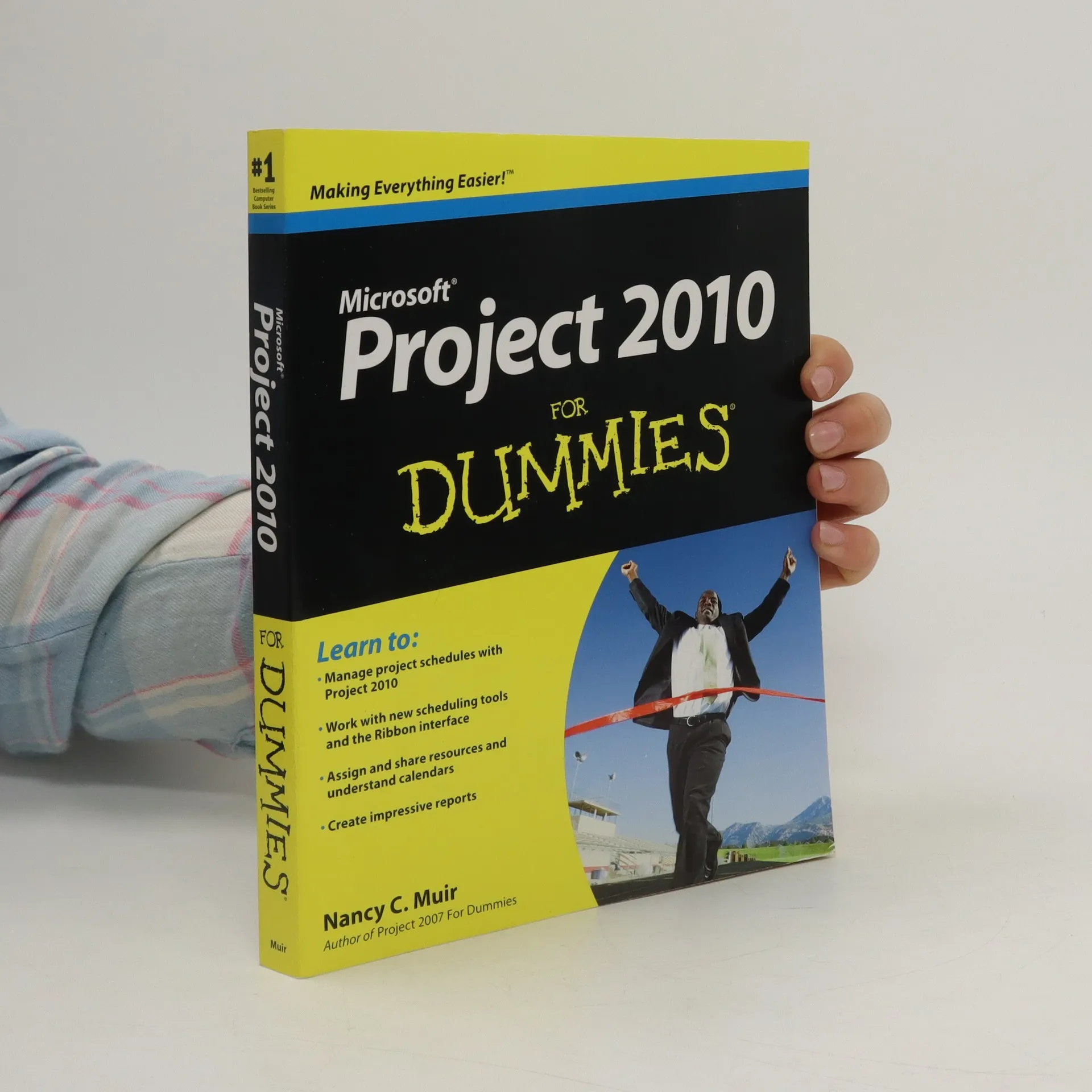
A friendly reference guide to Microsoft Project, the leading enterprise project management software As project management software, Microsoft Project allows you to oversee your business activities effectively. You can manage resources, share project info, perform modeling and scenario analysis, and standardize reporting processes. This easy-to-understand guide is completely updated to cover the latest changes and newest enhancements to Project 2010 and shows you how to get Project 2010 to work for you. After an introduction to basic project management concepts, you’ll discover the mechanics of using Project software to create and manage projects. Other topics covered include working with calendars, using and sharing resources, budgeting, formatting taskbars, gathering and tracking data, working with reports, and creating templates. Microsoft Project allows you to manage resources, share project information, perform scenario analysis, and standardize reporting processes Offers completely updated coverage of the new Project 2010, which is expected to implement the Office Ribbon Reviews formatting taskbars, gathering and tracking data, and working with reports Addresses using and sharing resources, creating templates, and managing projects Let the friendly For Dummies writing style guide you through maximizing the new features of Project 2010.
Das Buch "Discover SAP" bietet einen kompakten Einstieg in die Produkte, Strategie und Geschichte von SAP. Es behandelt die technische Plattform SAP NetWeaver, serviceorientierte Architektur (SOA) und Lösungen für Personalwesen, Finanzen und Logistik. Mit Praxisbeispielen und einem umfassenden Glossar wird das Verständnis erleichtert.
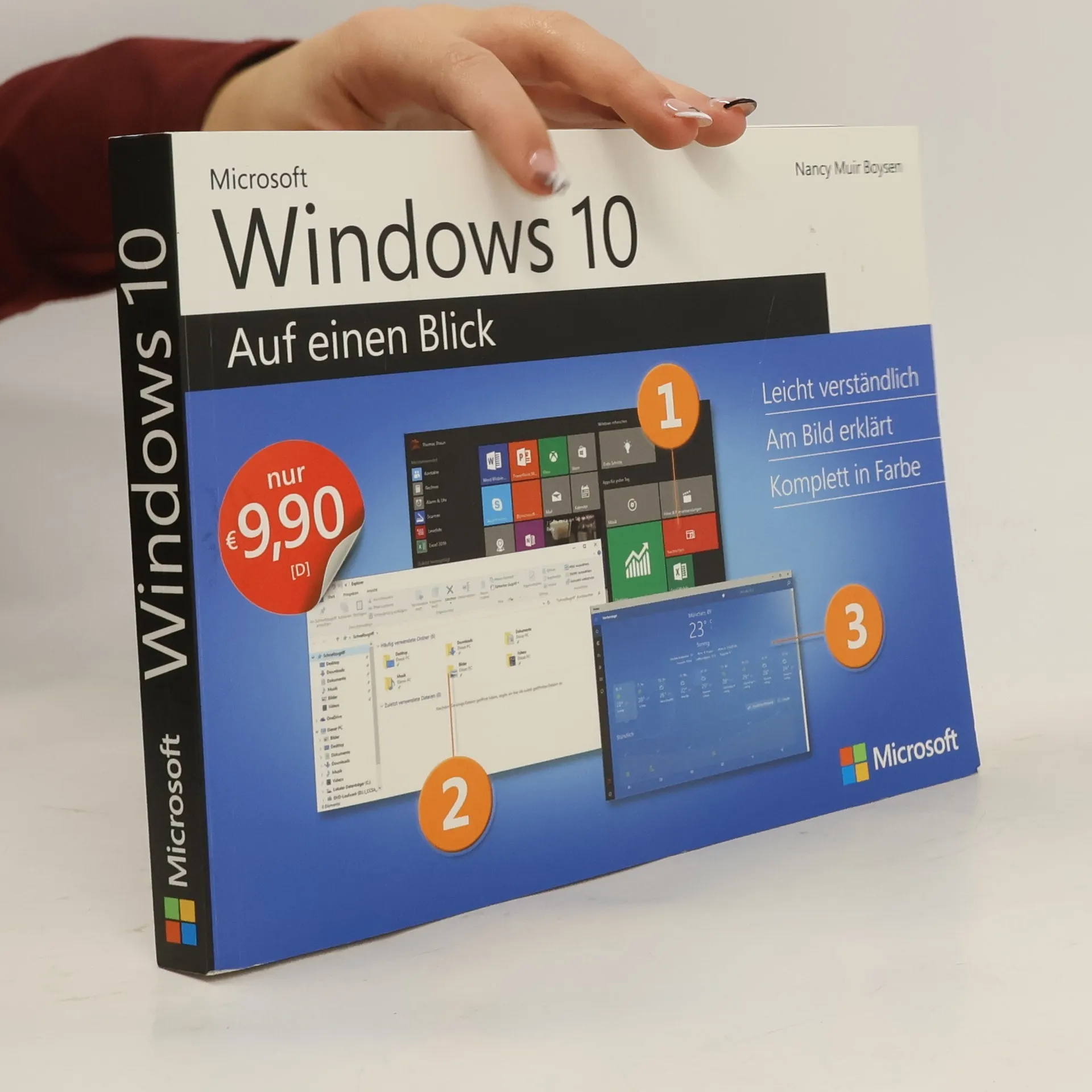
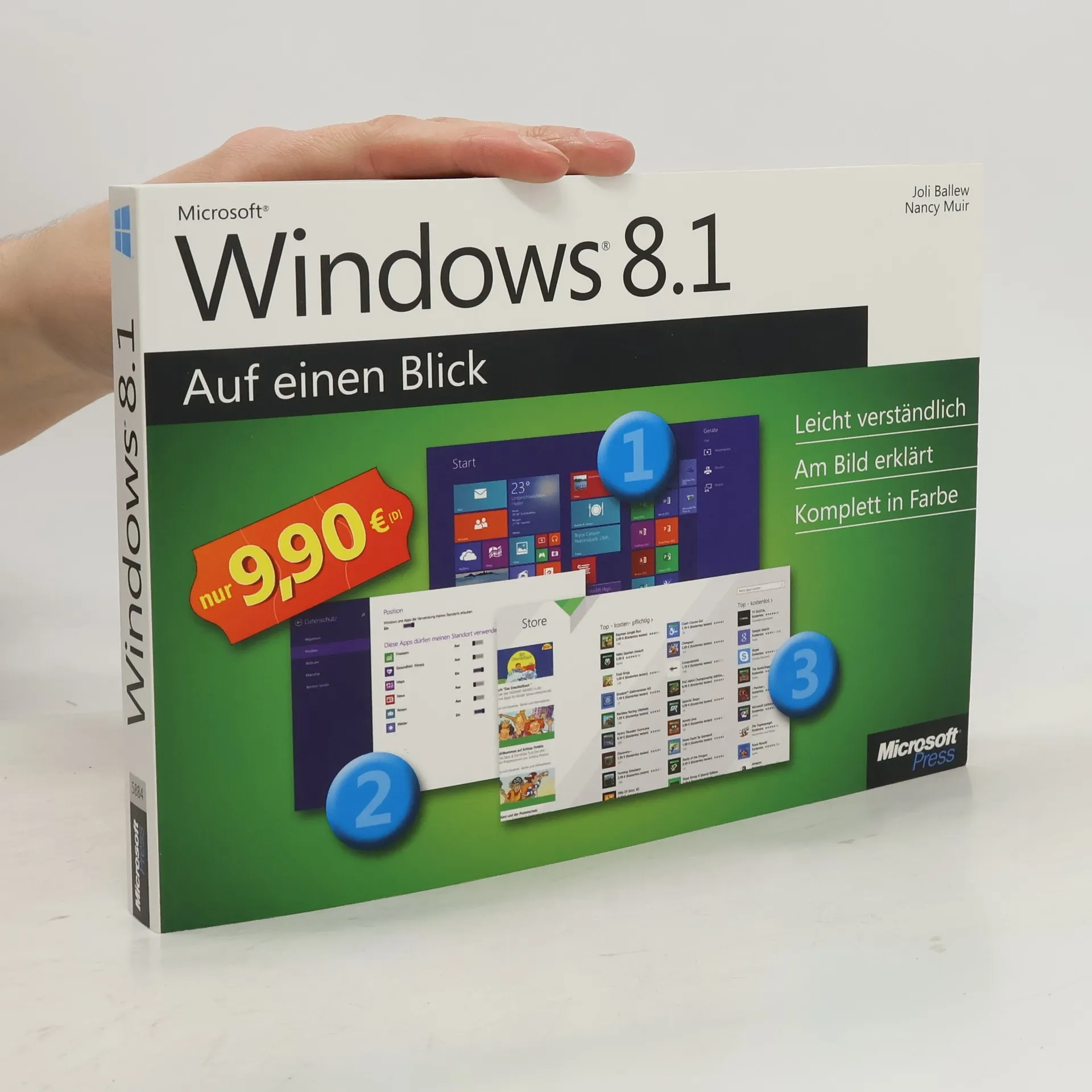
Bild für Bild und komplett in Farbe erklärt Ihnen dieses Buch, wie Sie unter Windows 10 Apps verwenden, das neue Startmenü bedienen, im Internet surfen, Bilder bearbeiten, spielen, Ihre Sicherheit verbessern und vieles mehr. Dabei wird jede Aufgabe auf maximal einer Doppelseite dargestellt - mit nummerierten Schritten und in verständlicher Sprache. So macht Lernen Spaß! Das lernen Sie: - Neue Benutzeroberfläche und den Desktop verwenden - Surfen mit dem neuen Microsoft Edge Browser - Emails schreiben und Kontakte und Termine verwalten - Bilder bearbeiten, drucken und teilen - Dateien mit OneDrive in der Cloud speichern - Sicherheitseinstellungen verwalten und Daten schützen
Viele Menschen, die zum ersten Mal mit einem Computer arbeiten, lassen sich von den vielen Funktionen und den Sicherheitswarnungen zunächst einschüchtern. Doch das muss nicht sein. Nancy Muir zeigt Ihnen in „Computer für Senioren für Dummies“ alles, was Sie über Ihren PC wissen müssen und was in ihm steckt. Sie lernen, wie Ihr Computer funktioniert und wie Sie Computer, Drucker & Co zum Laufen bringen. Sie bekommen die Grundlagen über Windows 7 an die Hand, wie Sie den Desktop einrichten, wie Sie Windows auf Ihre Bedürfnisse anpassen, wie Sie mit Dateien und Ordnern arbeiten und wie Sie sich im Hilfemenü zurecht finden. Sie lernen, wie Sie Fotos und Filme von Ihrer Digitalkamera auf Ihren Computer laden und sich diese auch anschauen können. Die Autorin zeigt Ihnen, wie Sie mit der mit Windows 7 mitgelieferten Software Texte schreiben, Zahlen in Tabellen bearbeiten, Musik hören und Filme anschauen. Dazu bekommen Sie alles Wissenswerte über das Internet, wie Sie sicher durch das Netz der Netze surfen, soziale Netzwerke zur Kontaktpflege nutzen und E-Mails schreiben.
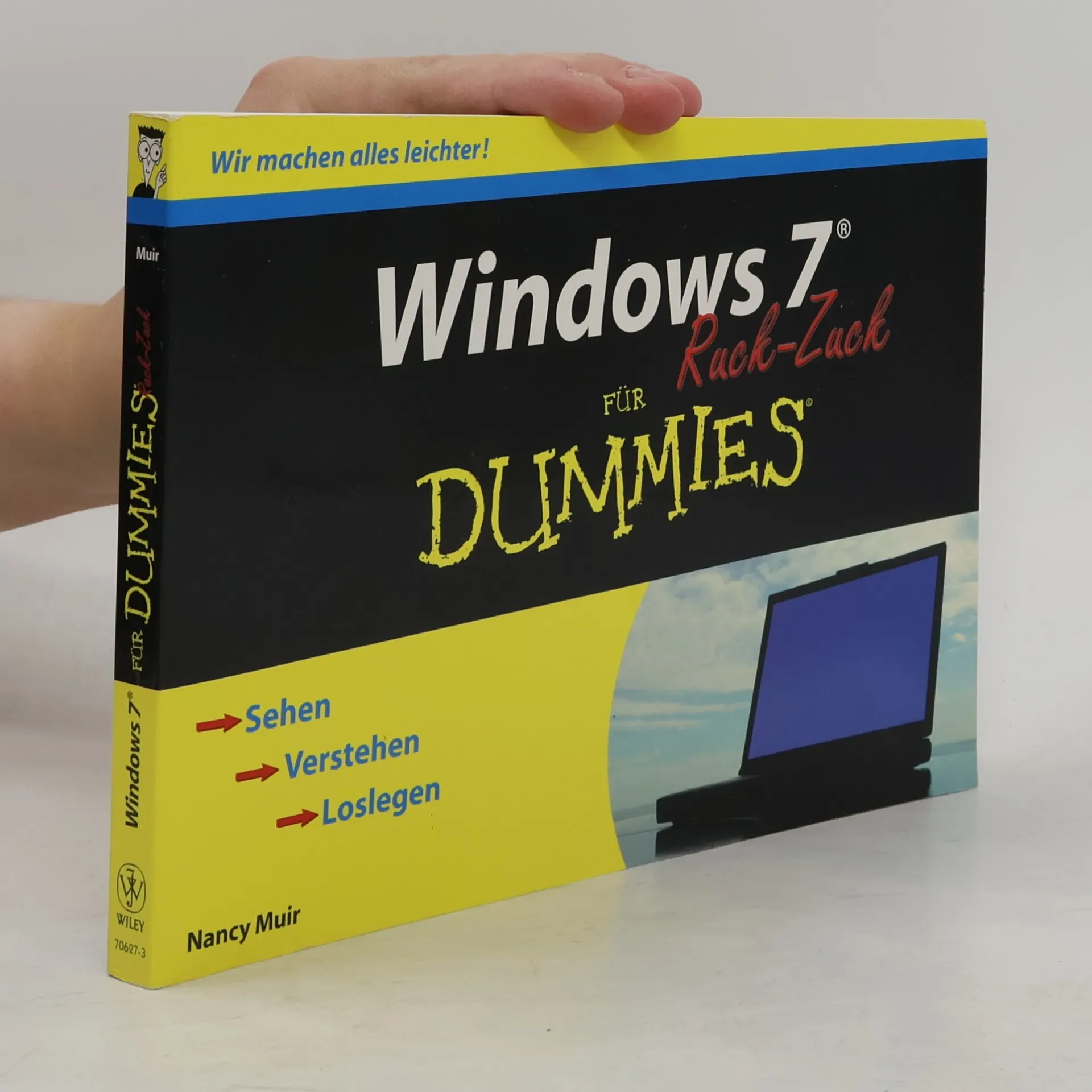
Lernen Sie Schritt für Schritt, wie Sie mit Windows 7 arbeiten: Nancy Muir gibt zunächst einen Überblick über den Windows-Desktop und zeigt, wie Sie sich bei Windows 7 an- und abmelden, mit dem Startmenü arbeiten oder Datum und Uhrzeit einstellen. Erfahren Sie außerdem, wie Sie Programme installieren und deinstallieren, wie Sie Dateien und Ordner im Windows-Explorer suchen und wie Sie sich ins Internet einwählen. Dazu bekommen Sie viele Tipps, wie Sie Drucker installieren und einrichten und USB-Geräte konfigurieren. Mit diesem Buch sind Sie ruckzuck startklar für Windows 7. Und das alles in Farbe.
Mit diesem Buch erobern Sie ruckzuck Ihren PC: Nancy Muir zeigt Ihnen, wie Sie Ihren PC starten und sich in Windows anmelden, wie Sie ï¿1⁄2ber das Windows-Startmenï¿1⁄2 Programme ï¿1⁄2ffnen und wie Sie einen Monitor anschlieï¿1⁄2en. Lernen Sie Schritt fï¿1⁄2r Schritt, wie Sie in Windows Verknï¿1⁄2pfungen mit Programmen und Ordnern auf Ihren Desktop zaubern, wie Sie Dateien und Ordner umbenennen und verloren geglaubte Dateien wiederfinden. Auï¿1⁄2erdem gibt es Tipps, wie Sie Ihre Fotos und Filme bearbeiten und verwalten und wie Sie ins Internet kommen. Und das alles in Farbe.
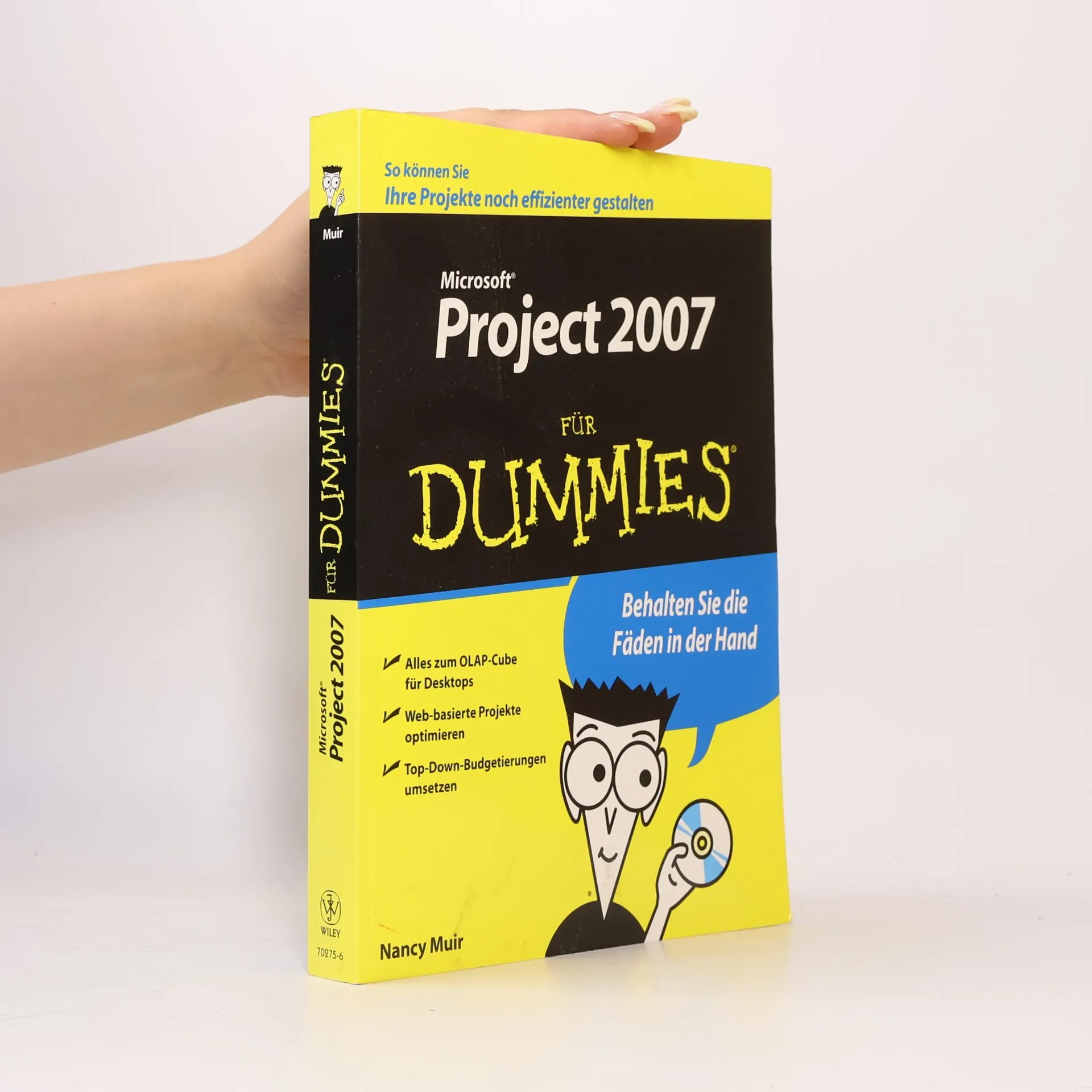
Wer sich selbst und seine Projekte gut organisieren kann, hat immer gute Karten. Alle, die MS Project 2007 einsetzen und damit jede Menge Zeit sparen wollen, ist dieses Buch genau das Richtige. Natürlich bleibt das Buch trotz des ernsten und anspruchsvollen Themas dem Dummiesstil treu und führt die Leser auf lockere und amüsante Weise durch die Möglichkeiten dieses Programms. Die Leser erfahren, was neu ist bei MS Project 2007, wie sie viel Zeit und Nerven sparen können, wie man MS Project und MS Office zusammenarbeiten lässt und vieles mehr, das man braucht, um dieses Programm erfolgreich und kreativ nutzen zu können.
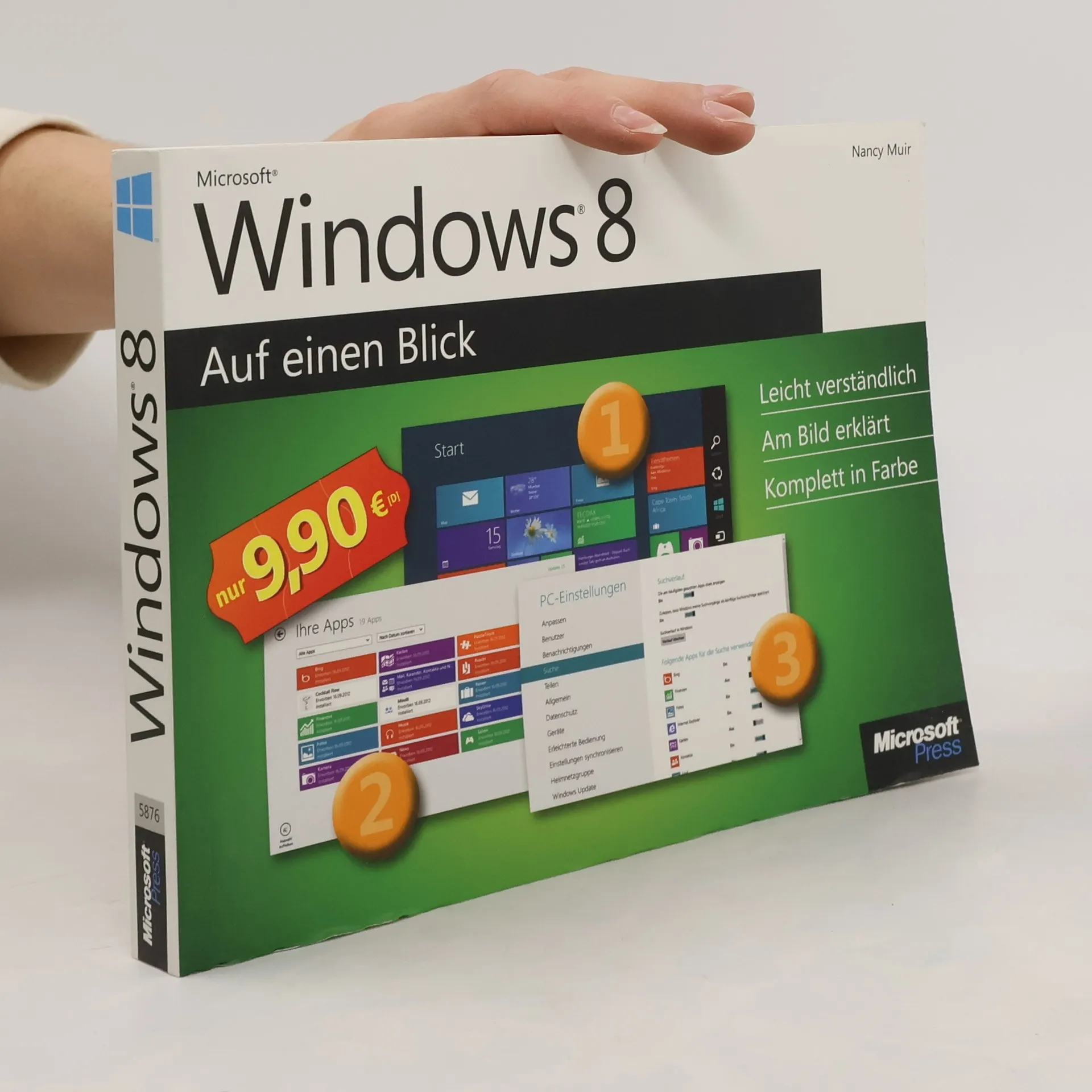
Leicht verständlich, am Bild erklärt, komplett in Farbe
328 pages
12 hours of reading
Bild fur Bild erklart Ihnen dieses vollstandig farbige Buch, wie Sie typische Aufgaben - wie die Verwendug von Apps, die Bedienung der neuen Touch-Oberflache, die Einrichtung eines Heimnetzwerkes oder die Verbesserung der Sicherheit - mit Windows 8 erledigen. Dabei wird jede Aufgabe auf maximal einer Doppelseite dargestellt - mit nummerierten Schritten und in verstandlicher Sprache. So macht Lernen Spa!
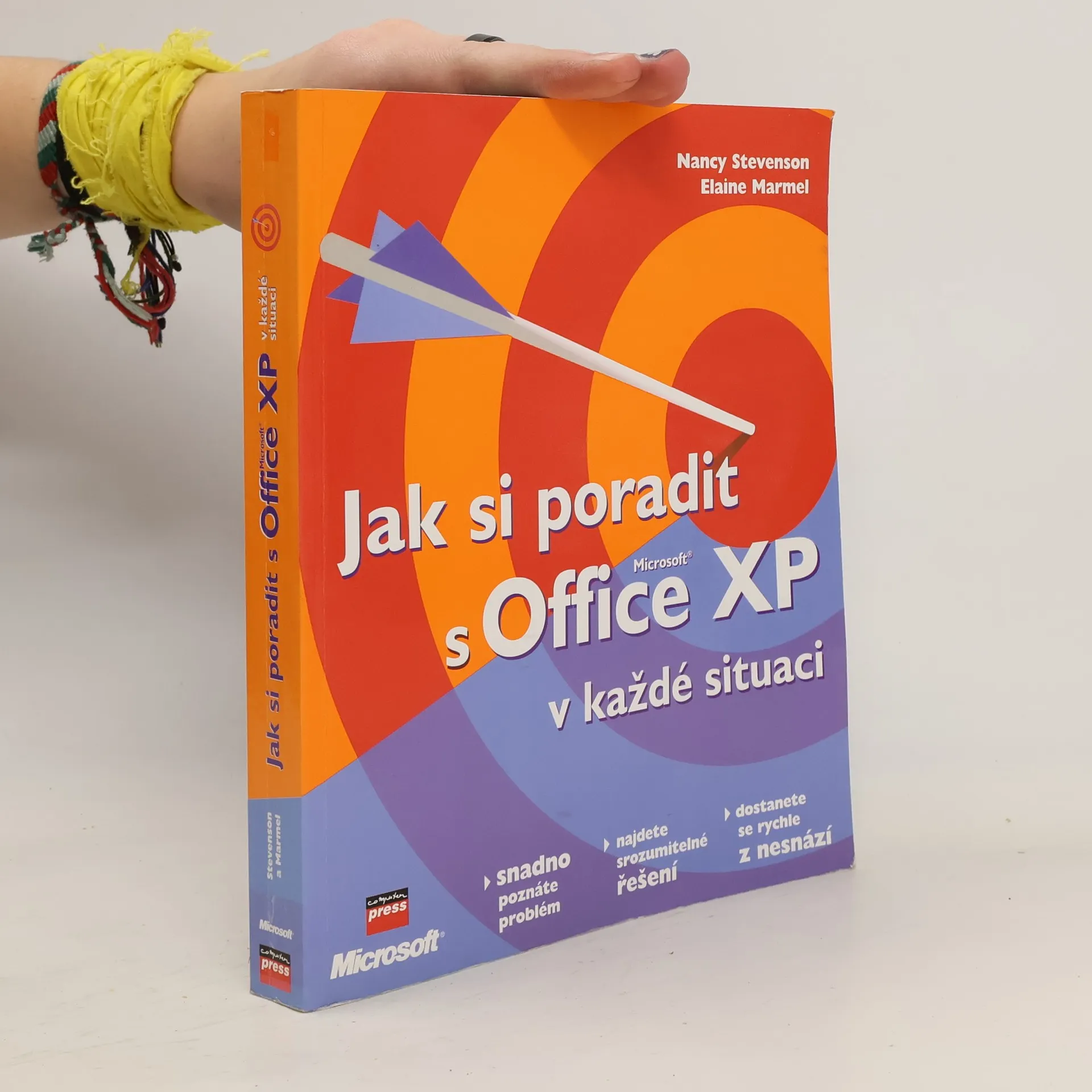
Při práci v Excelu se občas setkáváte s problémy, jako jsou místo čísel křížky, ztráta vložených souborů v Outlooku nebo neaktualizující se data v PowerPointu. Tato kniha vám pomůže rychle identifikovat a vyřešit více než 200 problémů s Office XP, které často vznikají vinou nedokonalého produktu nebo uživatelských chyb. Zaměřuje se na čtyři nejpoužívanější aplikace: Excel, Outlook, PowerPoint a Word, a také na společné problémy při přenášení dat mezi nimi. Kapitoly jsou strukturovány podle projevů potíží, což vám umožní snadno najít řešení pomocí diagnostického diagramu a podrobných kroků. Každé řešení je navrženo tak, abyste co nejméně četli a mohli se rychle vrátit k práci. Kromě toho obsahuje doplňující informace, tipy a upozornění, které vám pomohou předejít budoucím problémům. Rámeček „Než začnete“ poskytuje důležitá upozornění, aby se předešlo nesnázím při provádění postupů. Tato kniha je ideální pro uživatele, kteří chtějí zkrátit čas strávený řešením problémů s Office XP, aniž by obtěžovali zkušenější kolegy, a zejména pro domácí uživatele, kteří se musí spoléhat pouze na sebe.