

More about the book
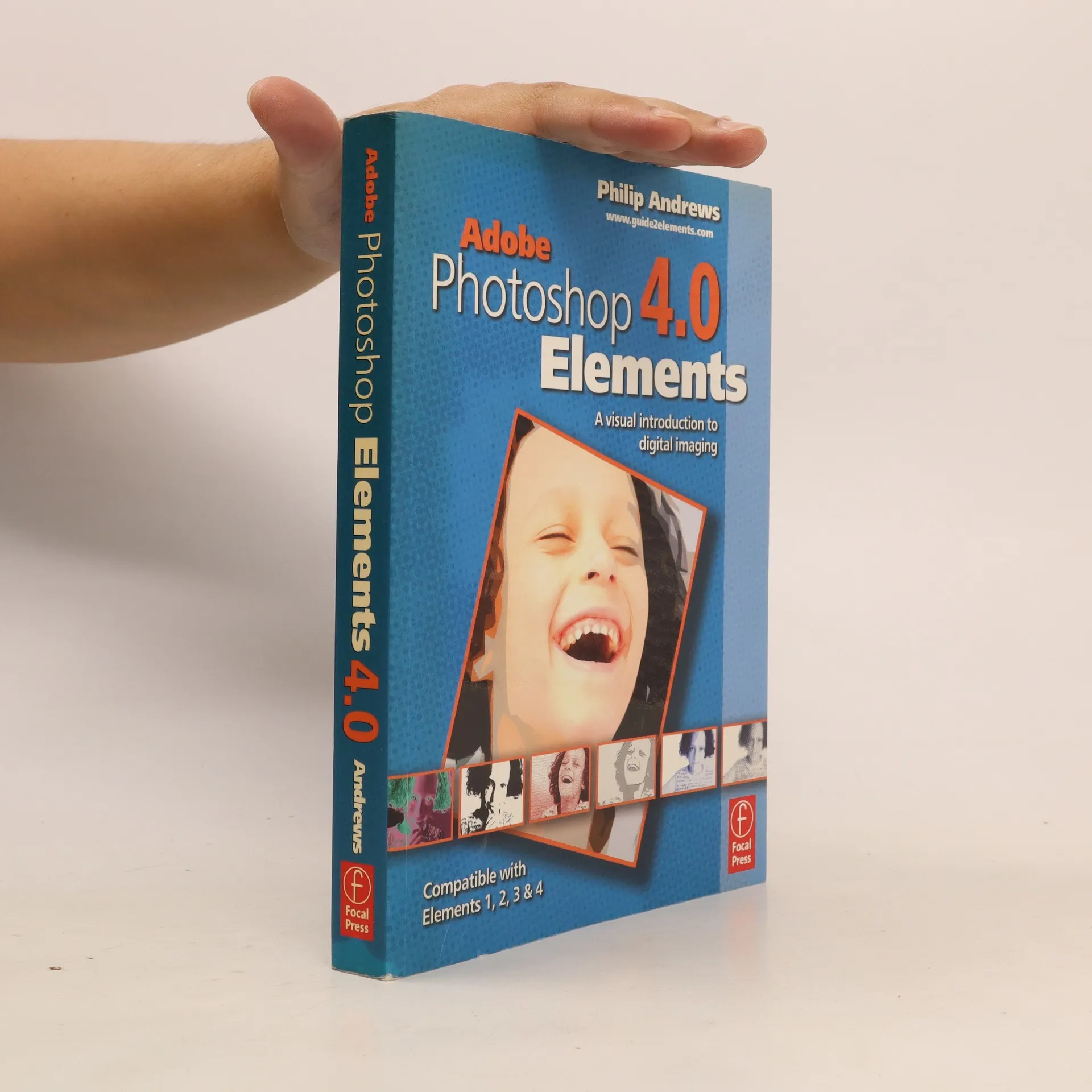
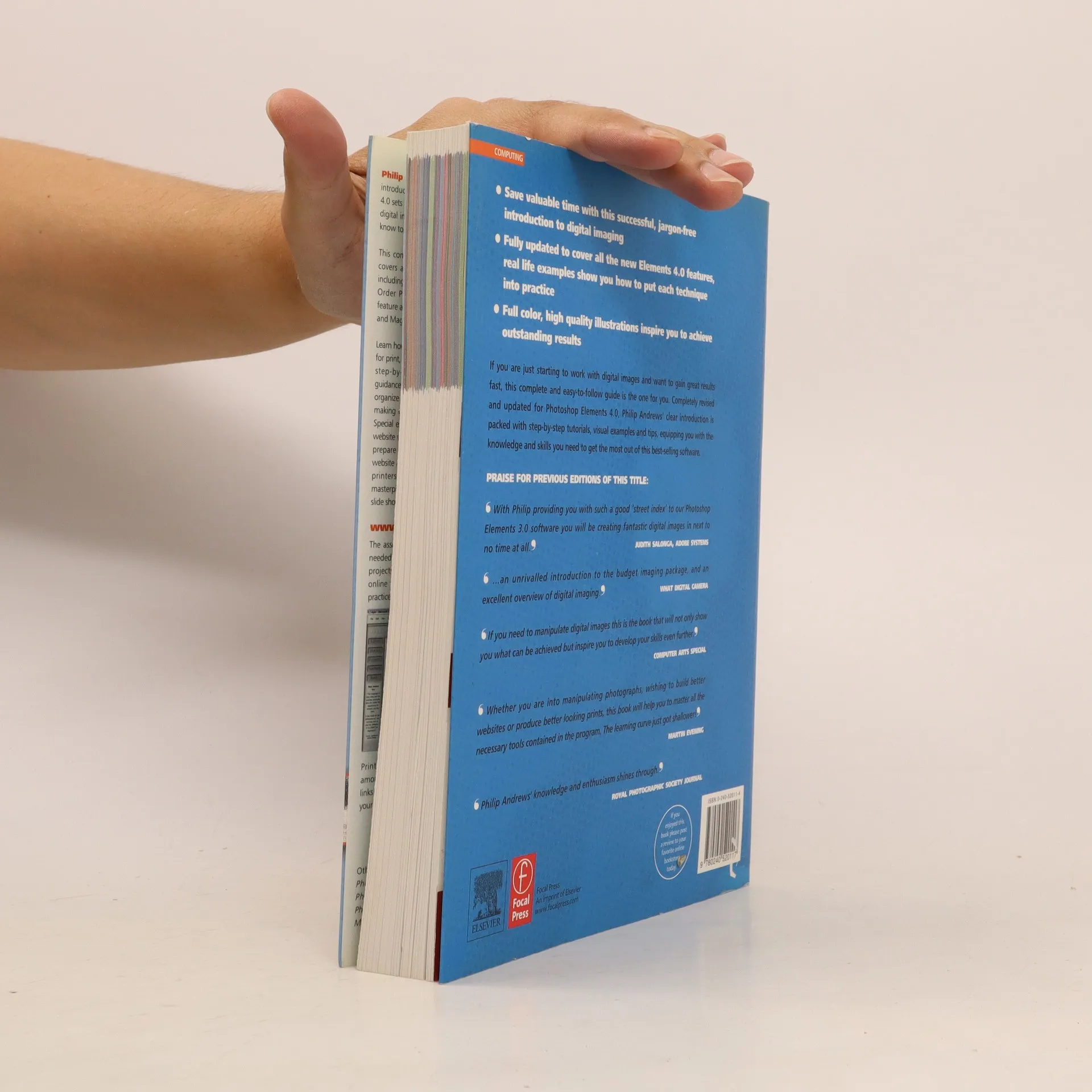
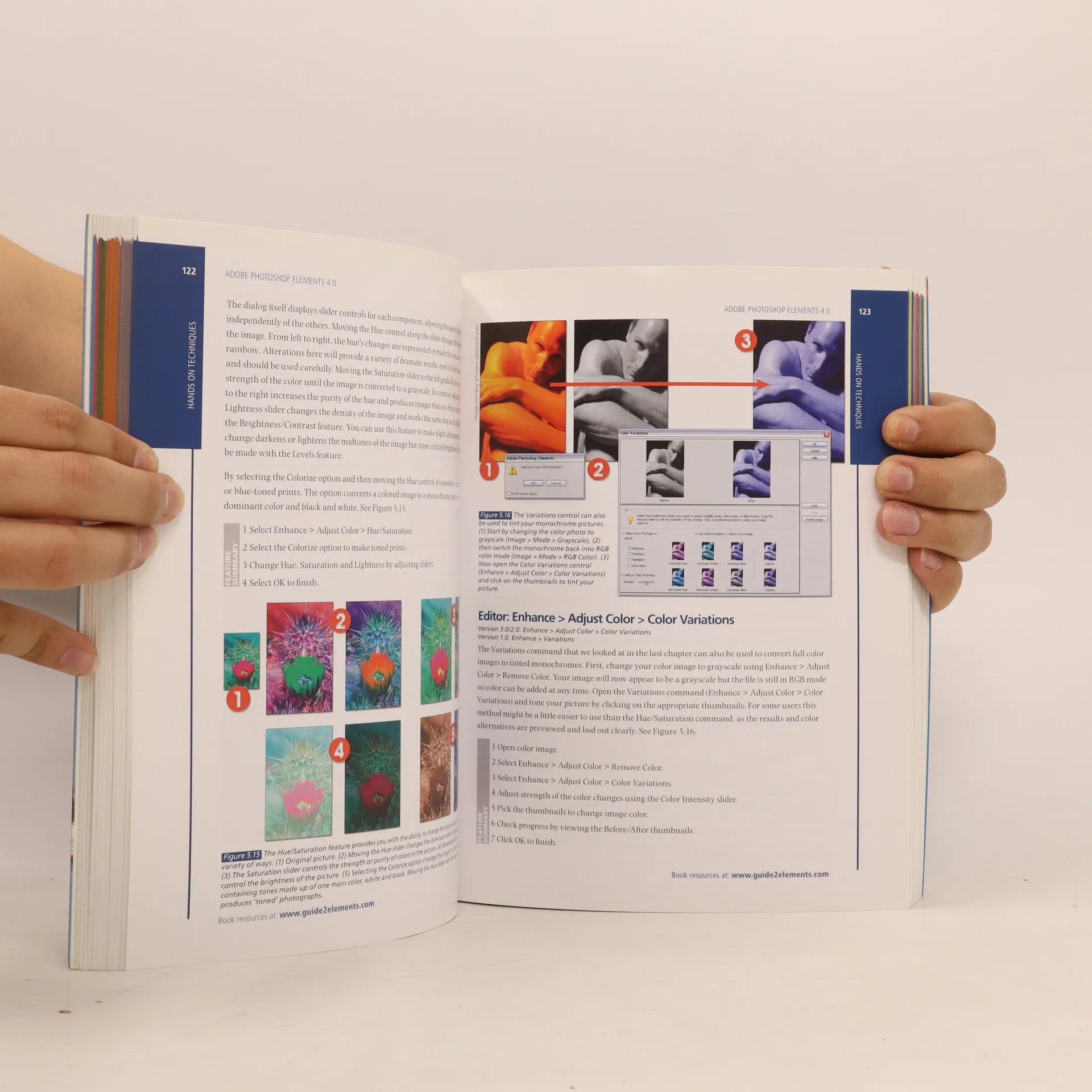
"Philip Andrews' clear and easy-to-follow introduction to Adobe Photoshop Elements 4.0 sets the package in the broader context of digital imaging and gives you all you need to know to achieve professional-looking results." "This completely revised and updated edition covers all the new features of version 4.0, including automatic fixes for Red Eye, the new Order Prints Pane, the Adjust Skin Tones feature and the exciting Magic Selection Brush and Magic Extractor tools." "Learn how to create professional quality images for print, web and email by following the clear, step-by-step instructions. Get thorough guidance on how to successfully manage and organize your images, with advice on tagging, making collections and backing up your files. Special emphasis is placed on how to create a website without having to learn HTML, how to prepare images step by step, both for your website and for printing via high quality ink jet printers and how to produce multimedia masterpieces using the completely revamped slide show editor."--Jacket
Book purchase
Adobe Photoshop Elements 4.0, Philip Andrews-Speed
- Language

- Released
- 2006
- Binding
- (Paperback)
Payment methods
We’re missing your review here.
- Title
- Adobe Photoshop Elements 4.0
- Language
- English
- Authors
- Philip Andrews-Speed
- Publisher
- Taylor & Francis Ltd
- Released
- 2006
- Format
- Paperback
- Pages
- 384
- ISBN10
- 0240520114
- ISBN13
- 9780240520117
- Series
- Tags
- Rating
- 3 out of 5
- Description
- "Philip Andrews' clear and easy-to-follow introduction to Adobe Photoshop Elements 4.0 sets the package in the broader context of digital imaging and gives you all you need to know to achieve professional-looking results." "This completely revised and updated edition covers all the new features of version 4.0, including automatic fixes for Red Eye, the new Order Prints Pane, the Adjust Skin Tones feature and the exciting Magic Selection Brush and Magic Extractor tools." "Learn how to create professional quality images for print, web and email by following the clear, step-by-step instructions. Get thorough guidance on how to successfully manage and organize your images, with advice on tagging, making collections and backing up your files. Special emphasis is placed on how to create a website without having to learn HTML, how to prepare images step by step, both for your website and for printing via high quality ink jet printers and how to produce multimedia masterpieces using the completely revamped slide show editor."--Jacket