Sydney Opera House
- 60 pages
- 3 hours of reading
A detailed survey of the Sydney Opera House, illustrated with photographs and drawings.


Philip Andrews is a leading authority in digital imaging and Adobe software, focusing on the art and craft of visual storytelling. Through his extensive writing and online courses, he demystifies complex techniques, empowering creators of all levels. His work emphasizes a deep understanding of photographic principles and their application in modern digital workflows. Andrews is dedicated to fostering creativity and technical excellence within the photography community.

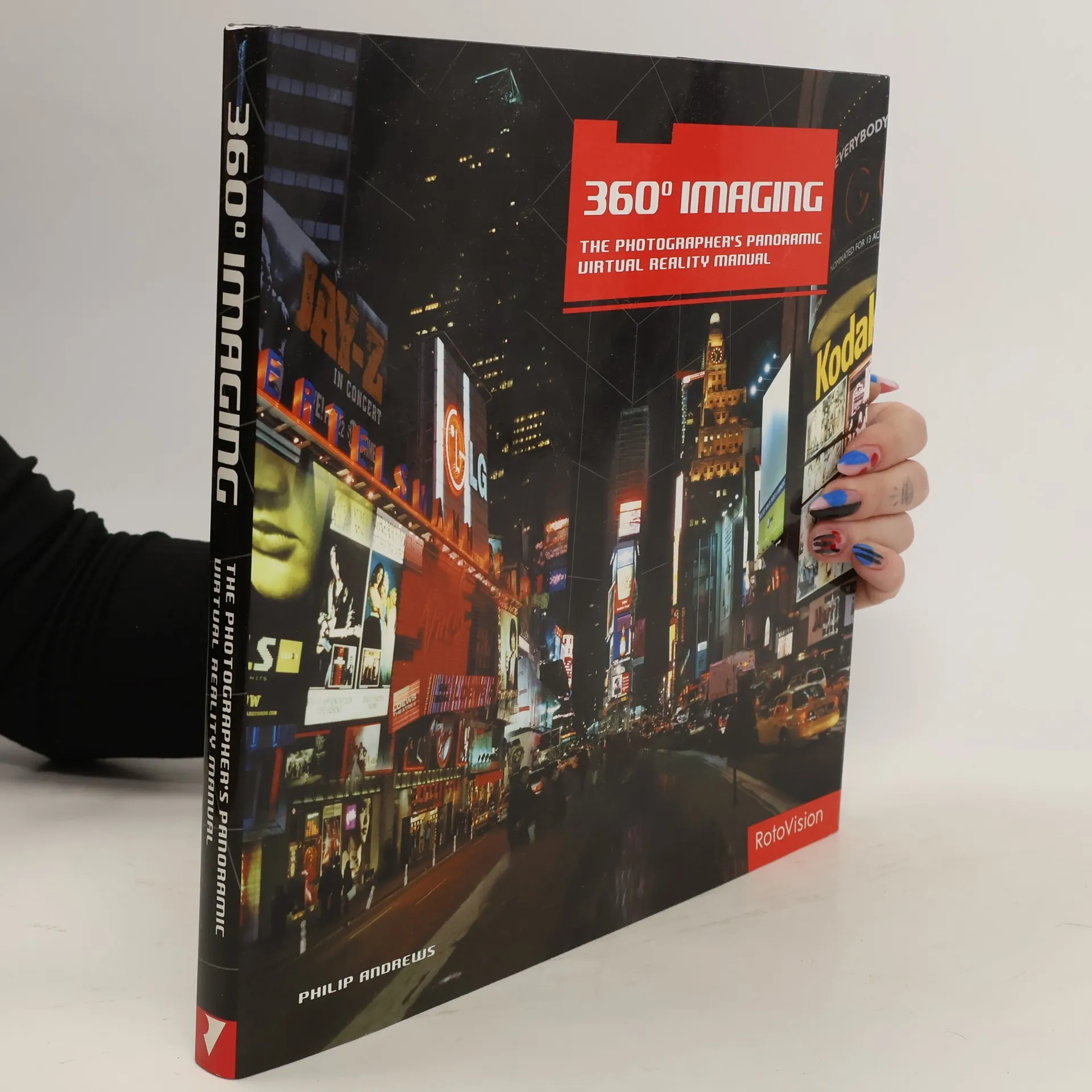
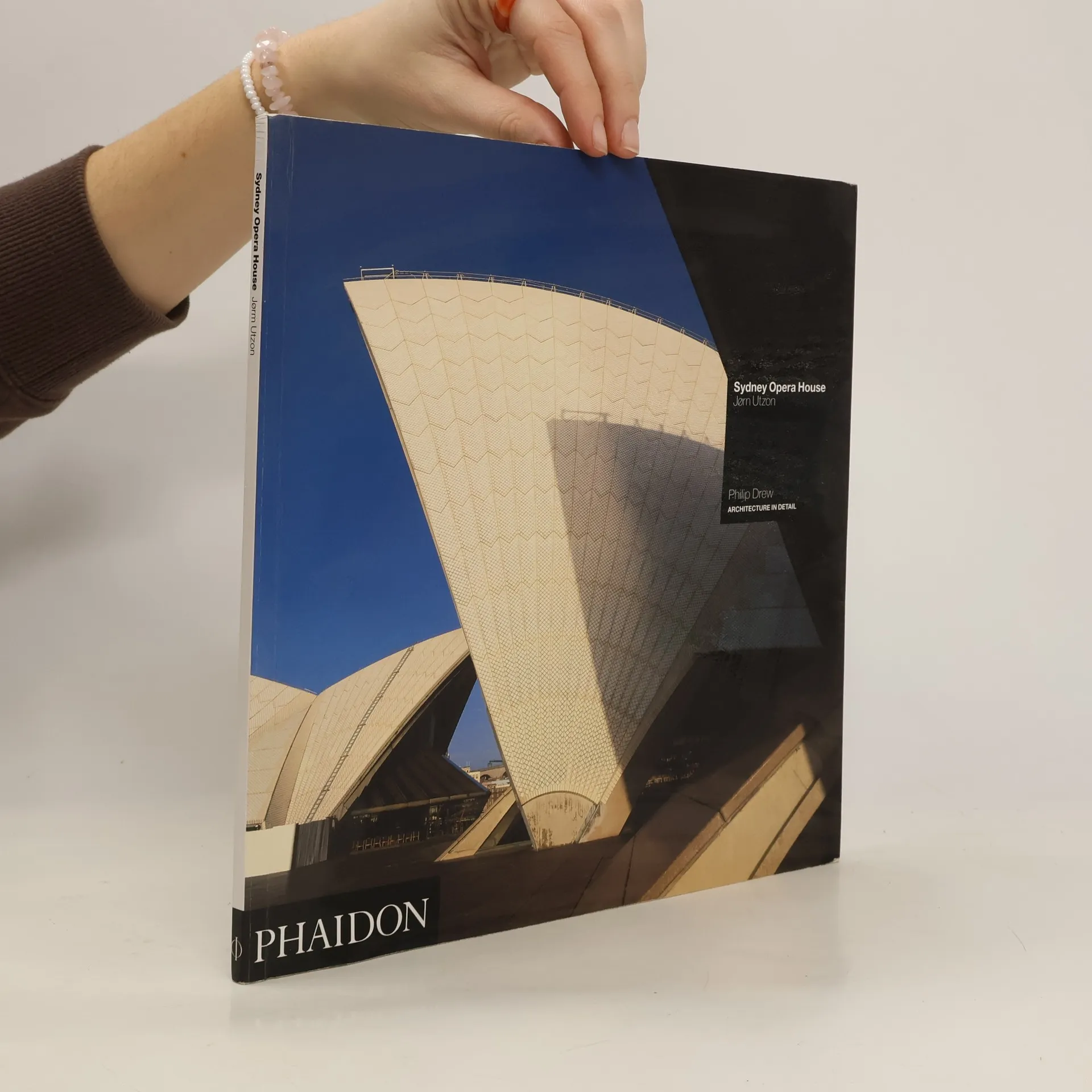
A detailed survey of the Sydney Opera House, illustrated with photographs and drawings.
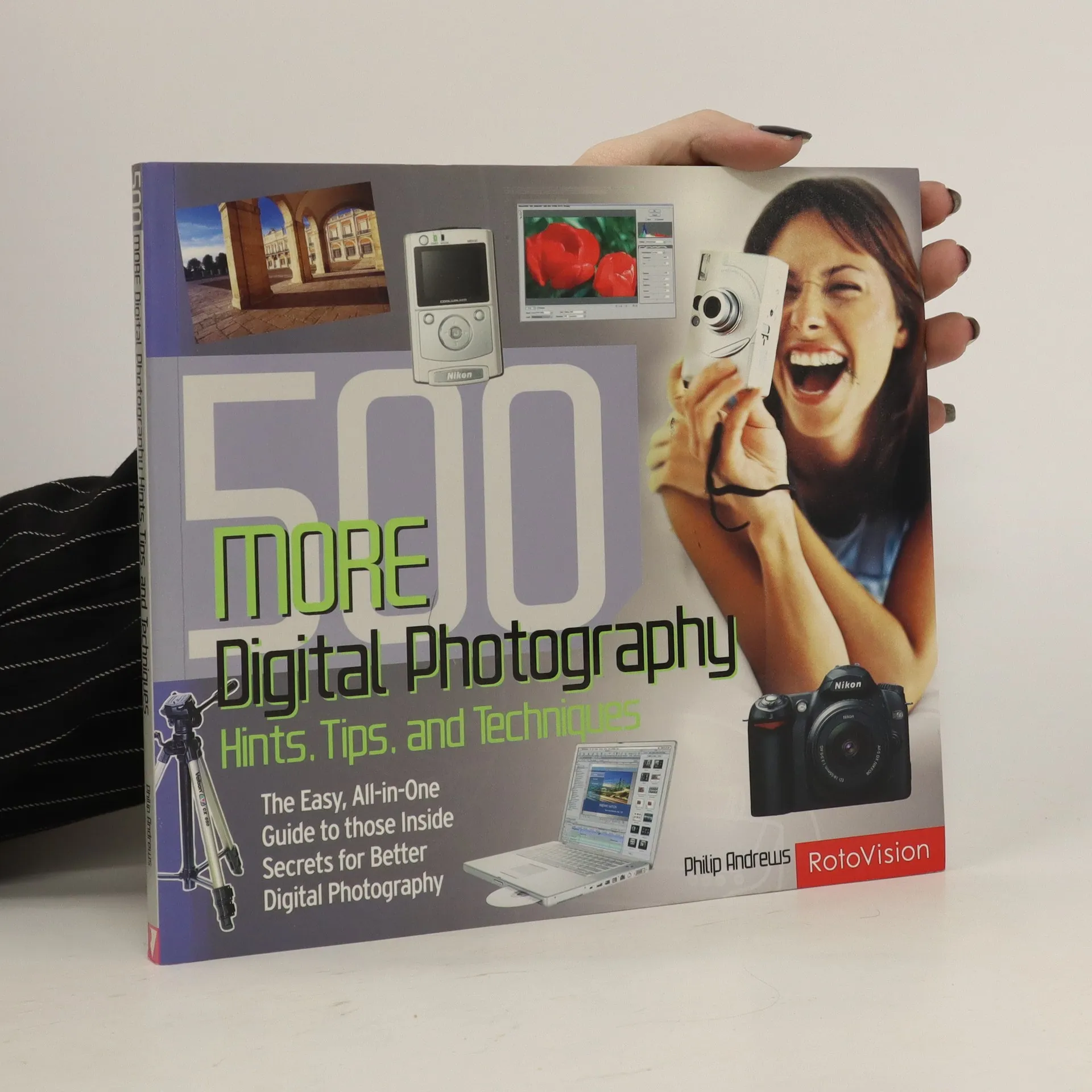
This book provides a visual introduction that is both easy to read and understand. The ideas and techniques draw on those used by industry professionals and are presented in a step-by-step form, enabling readers to gradually develop VR skills. Practice images and demonstration versions of the software used in the book can be downloaded from the companion website.
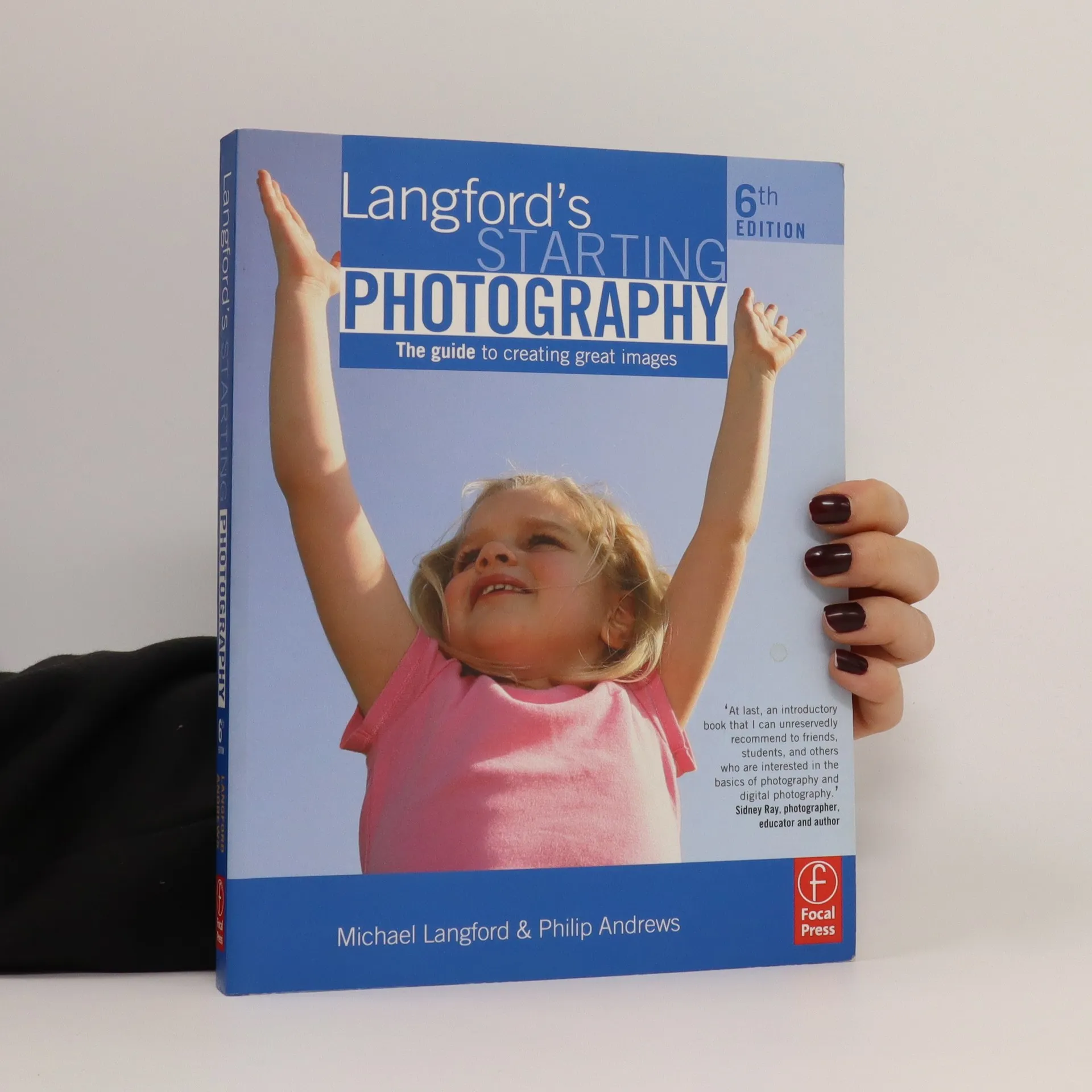
This established, detailed beginner's guide is the perfect choice if you're looking to develop your knowledge and skills, and take your photography to the next level. This authoritative classic by leading photography writer and lecturer Michael Langford has been refreshed and revised by best-selling photography author Philip Andrews for today's photographers. Strongly focused on digital, but with key references to traditional photography where relevant, offer a full grounding in the topic. Langford's Starting Photographyis an ideal technical introduction. All the core basics are included, from how to select and compose a good picture to how different cameras operate and how to decipher their controls. Different subjects are explored, with advice on how to tackle people, places, animals, landscapes and close-ups, and valuable guidance on presenting and assessing finished work.
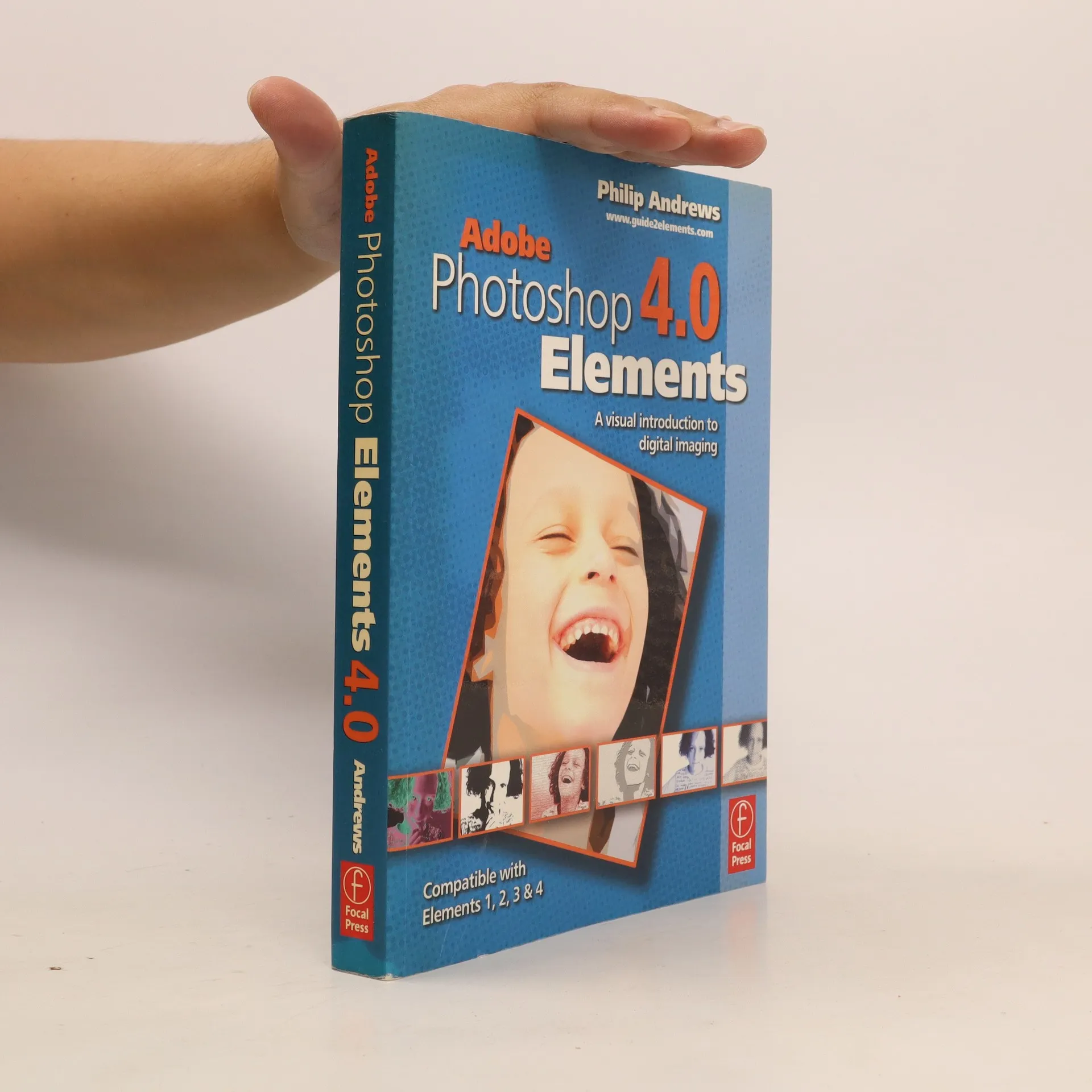
"Philip Andrews' clear and easy-to-follow introduction to Adobe Photoshop Elements 4.0 sets the package in the broader context of digital imaging and gives you all you need to know to achieve professional-looking results." "This completely revised and updated edition covers all the new features of version 4.0, including automatic fixes for Red Eye, the new Order Prints Pane, the Adjust Skin Tones feature and the exciting Magic Selection Brush and Magic Extractor tools." "Learn how to create professional quality images for print, web and email by following the clear, step-by-step instructions. Get thorough guidance on how to successfully manage and organize your images, with advice on tagging, making collections and backing up your files. Special emphasis is placed on how to create a website without having to learn HTML, how to prepare images step by step, both for your website and for printing via high quality ink jet printers and how to produce multimedia masterpieces using the completely revamped slide show editor."--Jacket
"The Web is the most important promotional and presentation tool available to the contemporary photographer. This manual provides both inspiration and instruction for the professional and amateur alike. Starting with a simple explanation of the basics, it navigates the reader through the practical choices and issues of building a photographic website, from choosing the type of site to build, planning and site navigation, adding design elements, such as buttons, bars and rollovers, right through to generating e-commerce."--Jacket
How to get the most from your raw images in Adobe Camera Raw, Lightroom, Photoshop, and Elements
One of the important technologies a photographer can master is shooting and working with raw images. This book provides the information needed to know to create stunning images from raw files. It presents full-color photographs and screenshots that provide illustrations in an easy to follow format that shows exactly how to work with raw files.
Egal, ob Sie beruflich oder privat mit Digitalbildern arbeiten, dieses Buch bietet eine umfassende Einführung in die digitale Bildbearbeitung mit Adobe® Photoshop® Elements 5.0. Es enthält alles, was Sie benötigen, um Ihre Schnappschüsse professionell aussehen zu lassen. Schritt für Schritt und anhand vieler farbiger Beispielfotos werden die Bildbearbeitungswerkzeuge von Photoshop Elements erklärt. Sie lernen, wie Sie Ihre Fotos durch Farbkorrektur, Retusche, Mal- und Zeichenwerkzeuge sowie Fotolayouts überarbeiten und perfektionieren können. Praktische Beispiele zeigen Ihnen, wie Sie großartige Panoramen erstellen, Präsentationen gestalten, Animationen in E-Mails oder Webseiten einfügen, Familienfotos restaurieren, Newsletter und Briefköpfe herstellen sowie Grußkarten entwerfen. Der Profi-Fotograf und Bildbearbeitungsexperte Philip Andrews demonstriert alle neuen Funktionen von Adobe® Photoshop® Elements 5.0, einschließlich der Arbeit mit Raw-Dateien und mehrseitigen Fotokreationen. Zudem zeigt er, wie Sie schnell und einfach professionell wirkende Webseiten erstellen können. Dieses Buch erleichtert den Umgang mit den notwendigen Werkzeugen des Programms und reduziert den Lernaufwand erheblich.